Check access
Browser, desktop client, mobile app or store account requirements are surfaced early.
GameWaypoint organises useful details about browser, PC and mobile games so Australian players can compare access, platform fit, safety signals and play style without digging through promotional clutter.
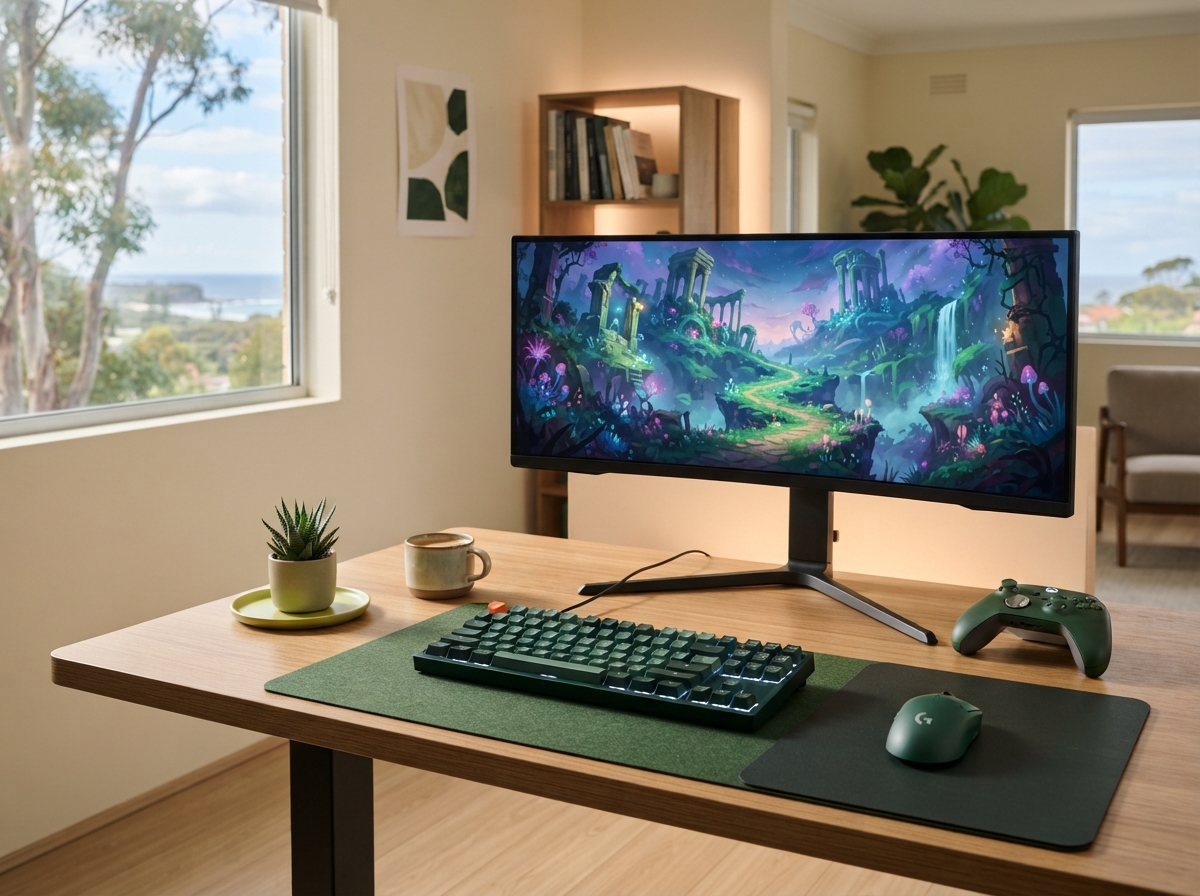
We structure each guide around the questions that matter before you create an account, install a client or commit time to a new game.
Browser, desktop client, mobile app or store account requirements are surfaced early.
We group games by the way they actually play rather than by broad marketing labels.
Age guidance, privacy information, optional purchases and device fit are part of the picture.
 01
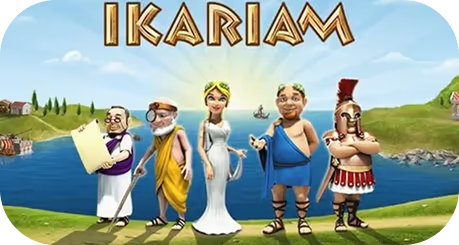
01Build island cities, balance resources and grow through diplomacy, trade and conflict.
Official site ↗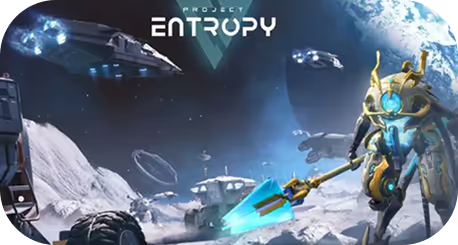 02
02Travel through a science-fiction setting with missions, progression systems and multiplayer combat.
Official site ↗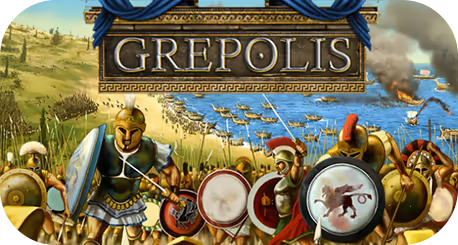 03
03Develop a city in ancient Greece, work with alliances and plan long-form campaigns.
Official site ↗
Mix puzzle sequences with base development and an island-themed campaign.

Upgrade a ship, take on missions and join persistent online space battles.

Build a fleet, gather resources and take part in pirate-themed strategy battles.

Manage a space empire through research, resource planning, fleets and alliances.

Build an island farm, complete quests and develop a relaxed resource-management routine.
No single score tells the whole story. We surface the context that helps you decide whether a game is worth a closer look.
 01
01How quickly you can start and which accounts, clients or storefronts are involved.
 02
02Whether the title suits browser, PC or mobile play, including cross-device considerations.
 03
03The core loop, pace and genre are described in plain language rather than sales copy.
 04
04We look for clear privacy information, account controls, age guidance and purchase transparency.
 PLAY SMART / AU
Account security, chat settings, age suitability and optional purchases are worth checking before you invest time in a new title.
Game details change. If a platform requirement, availability note or safety detail needs an update, tell us what you found.
Contact the editorial team